
Remix Student Ministry / Lyric video / 2024
Good News.
A still image, brought to life.
Watch the finished film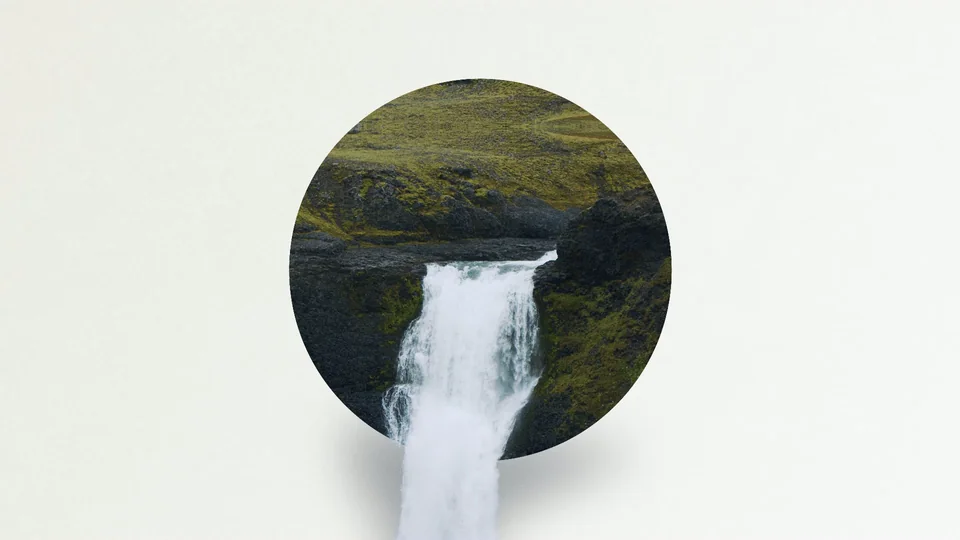
- My role
- Concept to final export
- Tools
- After Effects / Premiere Pro / Whisper
- Timeline
- About one week / September 2024
- Delivery
- 1920 × 1080 / 23.976 fps / 3:37
The brief
Remix is our student ministry, for middle school through high school. For a regular weekend service, we needed a lyric video for "Good News." Most lyric videos at church are a looping background with plain white text on top. I wanted this one to stand out.
01 / The process
It started with a still.
Every project starts with a mood board for me, and most of mine start on Pinterest. I save anything that catches my eye, then cut it down to the few pieces that actually point somewhere. For this one I kept five. There was a "Rise & Shine" poster from Fabrics of Faith for its circle framing and grain. I kept two color palettes, a misty forest from Creative Roots and a "Morning Sunrise" set from Gardner Design Goods, plus a swatch study in olive and plum. The fifth was the one that started it all, a graphic called "Grace Poured Out" that I found on Pinterest. It had been uploaded without a link back to its designer, so I haven't been able to credit them. It shows a waterfall framed inside a circle, with the water spilling past the bottom edge onto the page. It's a still image. I wanted to find out if I could make it move.
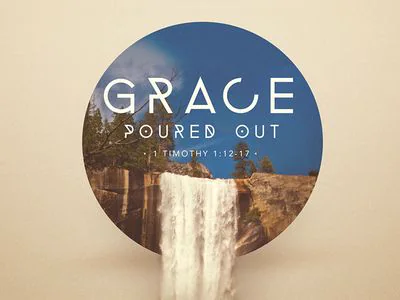
Designer unknown, found on Pinterest ↗.
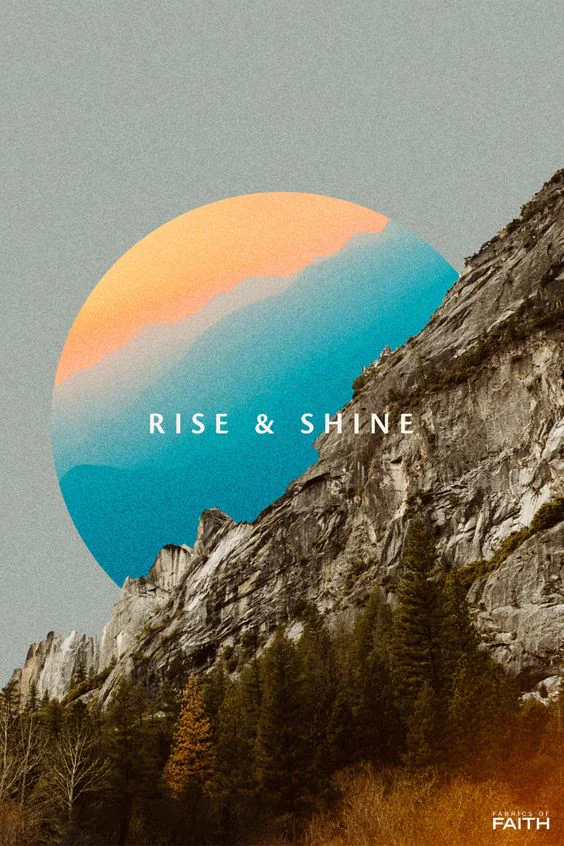
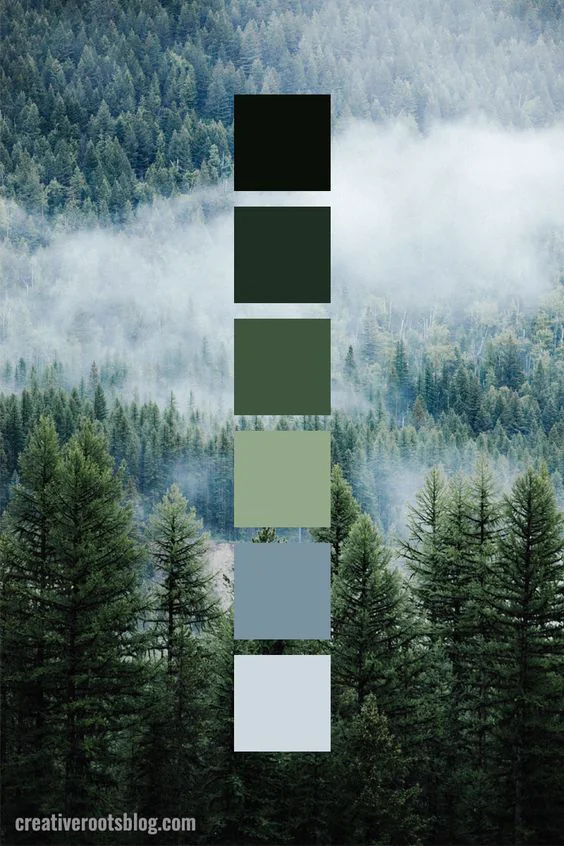
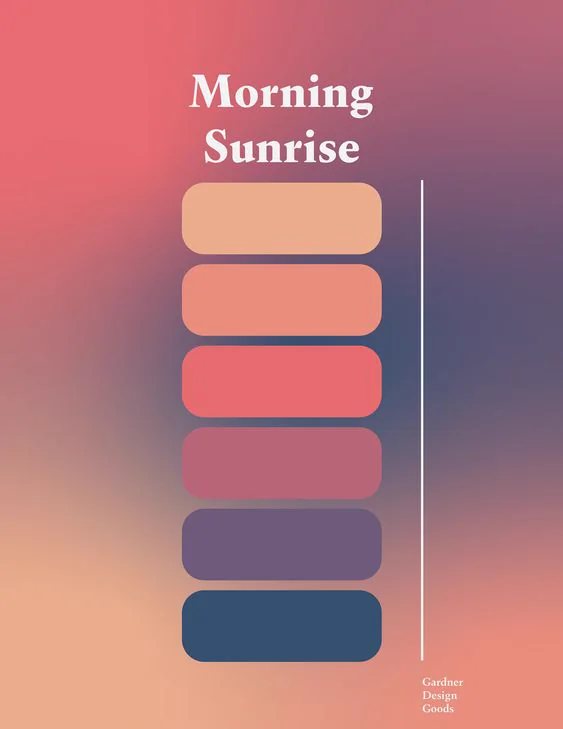
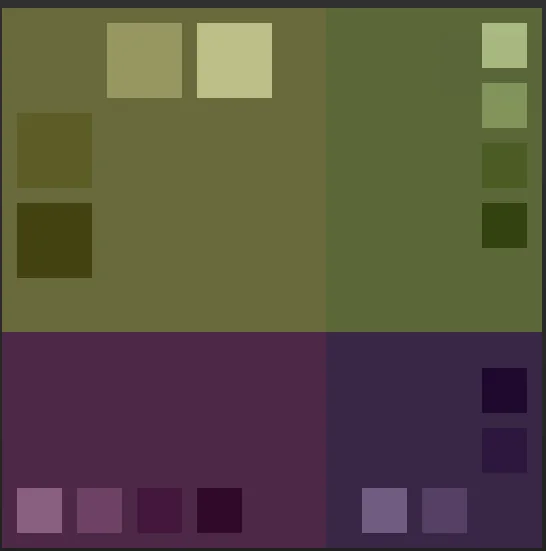
Mood-board references are the work of their respective creators.
02 / The process
Sixteen seconds. A whole song.
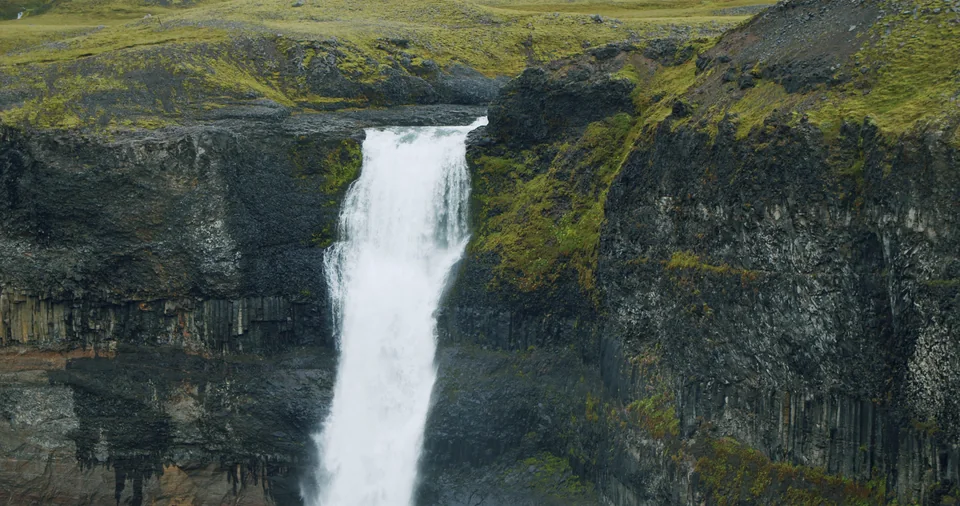
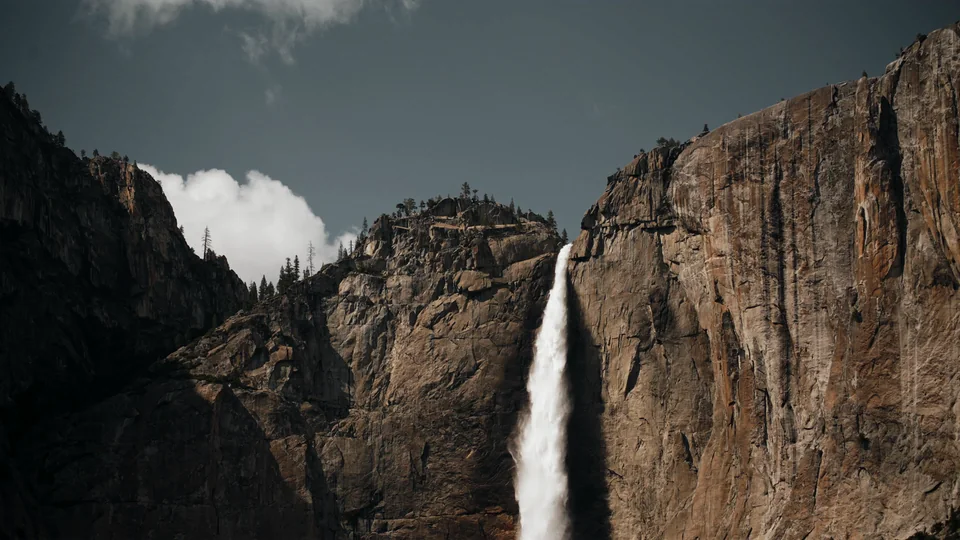
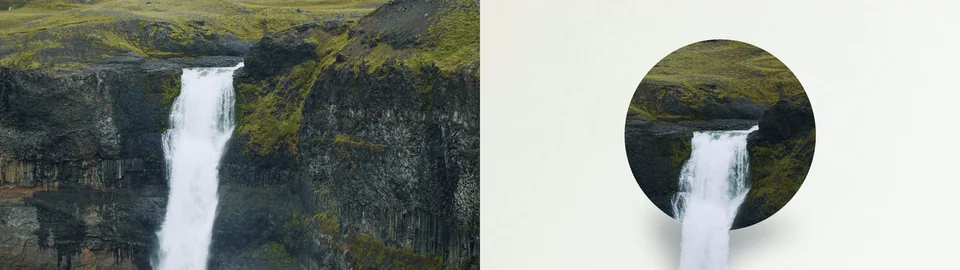
I started with two waterfall clips from Artlist, one from Haifoss in Iceland and one from Yosemite. The Haifoss shot sits inside the circle. The first problem showed up right away: that clip is only about 16 seconds long, and the song runs three and a half minutes. I had to loop it, but an obvious loop would ruin the effect. So I built a second waterfall from the Yosemite footage. It stretched the timing and added variation, which made the loop much harder to spot.
03 / The process
Getting the water out of the frame.
The roto took the most time. Roto Brush in After Effects was decent in 2024, but nowhere near what it can do now. I did two separate roto passes and cleaned them up by hand with paint and clone tools.

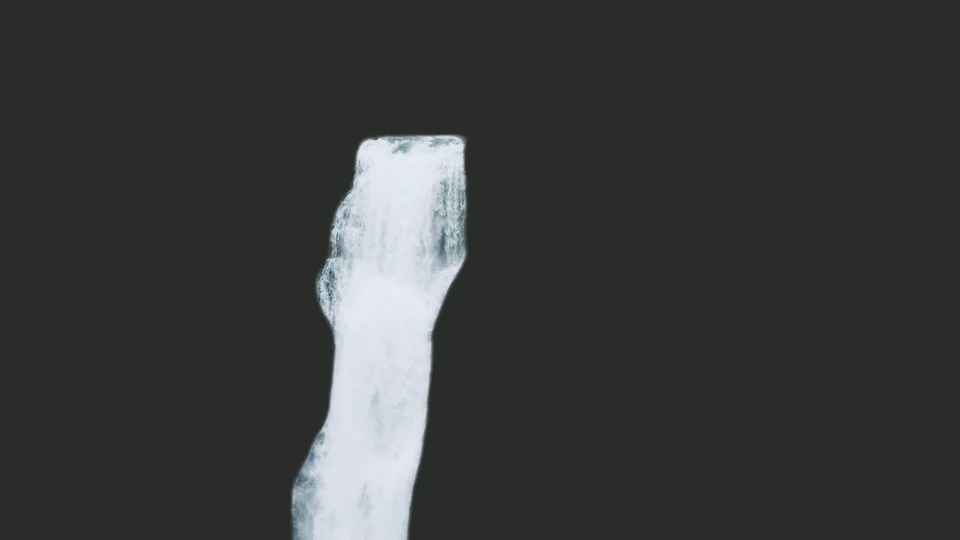
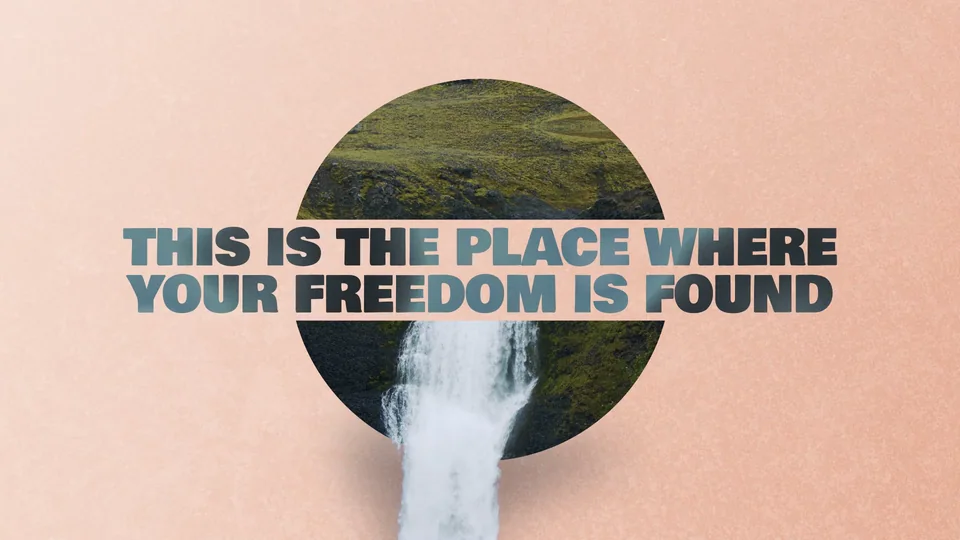
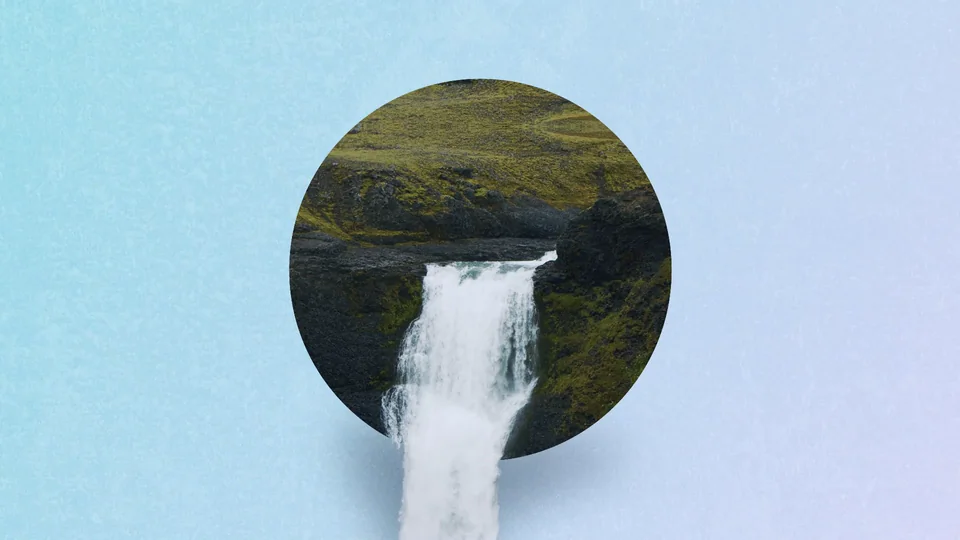
The hardest part wasn't the roto, though. It was making the water look like it was spilling out of the frame instead of sitting on top of it. That came down to small things: a soft shadow under the falling water, texture on the circle, and film grain over everything so the footage and the flat background read as one surface.
04 / The process
Room for the lyrics. Room for the water.
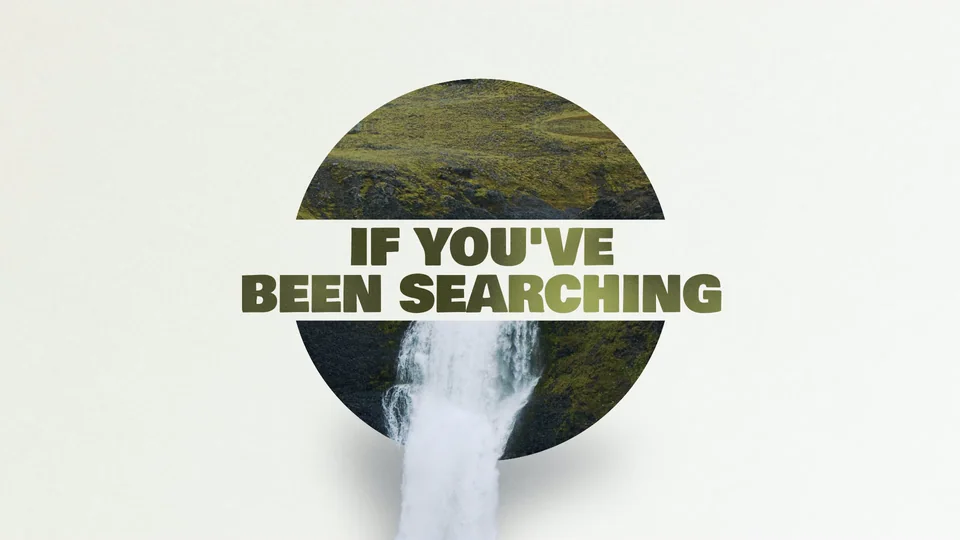
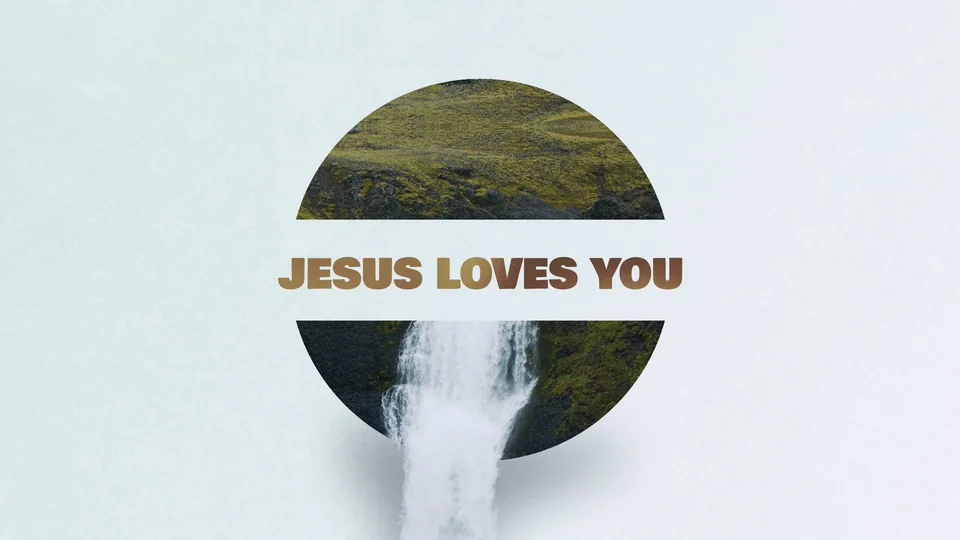
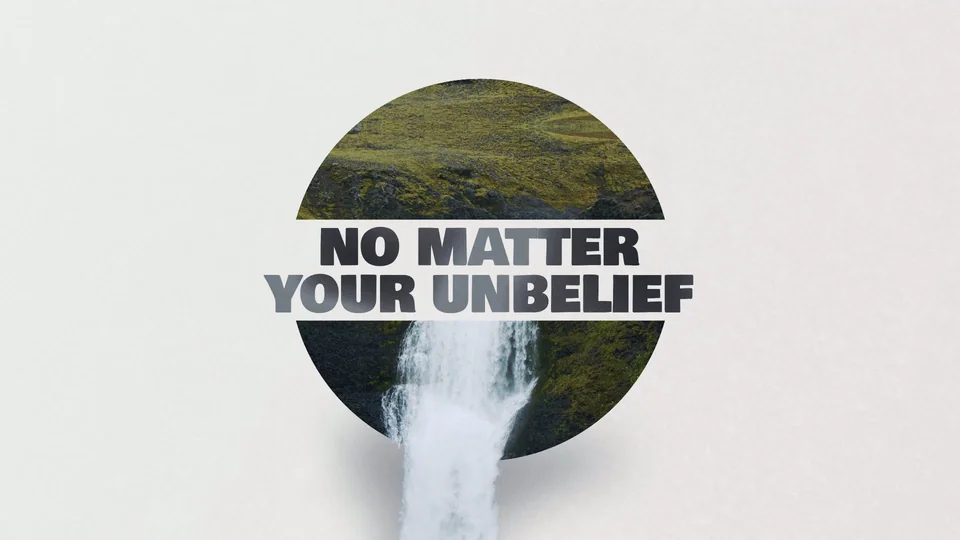
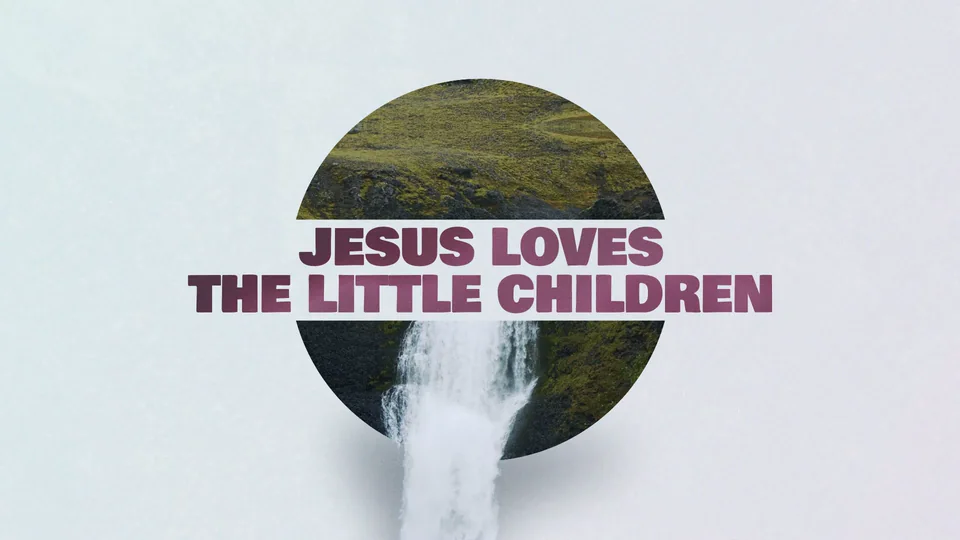
The lyrics had to be readable, so from the start I planned to run them in a band straight through the circle, set in Bowlby One SC. During instrumental sections the text animates out so the full waterfall can show.
Color follows the song.
My first version used one color palette for the whole song. When my peers reviewed it, they suggested shifting the palette a few times, and they were right. The verses stay in earthy greens pulled from a misty forest palette. As the song builds, the background moves into sunrise peach, blue and violet, following the emotional arc of the song.
05 / The process
More time for the creative decisions.
The lyrics were the one place I used AI, and it was the right tool for the job. I ran the song through Whisper, an AI transcription tool, to get the lyrics with accurate timestamps. Then an After Effects script turned that file into timed text layers. A job that usually means hours of placing layers by hand and fixing typos took minutes. That gave me more time for the parts that needed a person: the look, the motion, and getting that waterfall to feel like it was really pouring out of the frame. This was one of the first times I brought AI into my workflow, and it's a big part of why I still use it the way I do. I let it handle the repetitive work so I can focus on the creative decisions.
The whole project took about a week, from getting the music to the final export.
The result